
Neon Ichiban Launches Version 3.0 with In-App Purchasing and Digital Comic Importing and Organizing
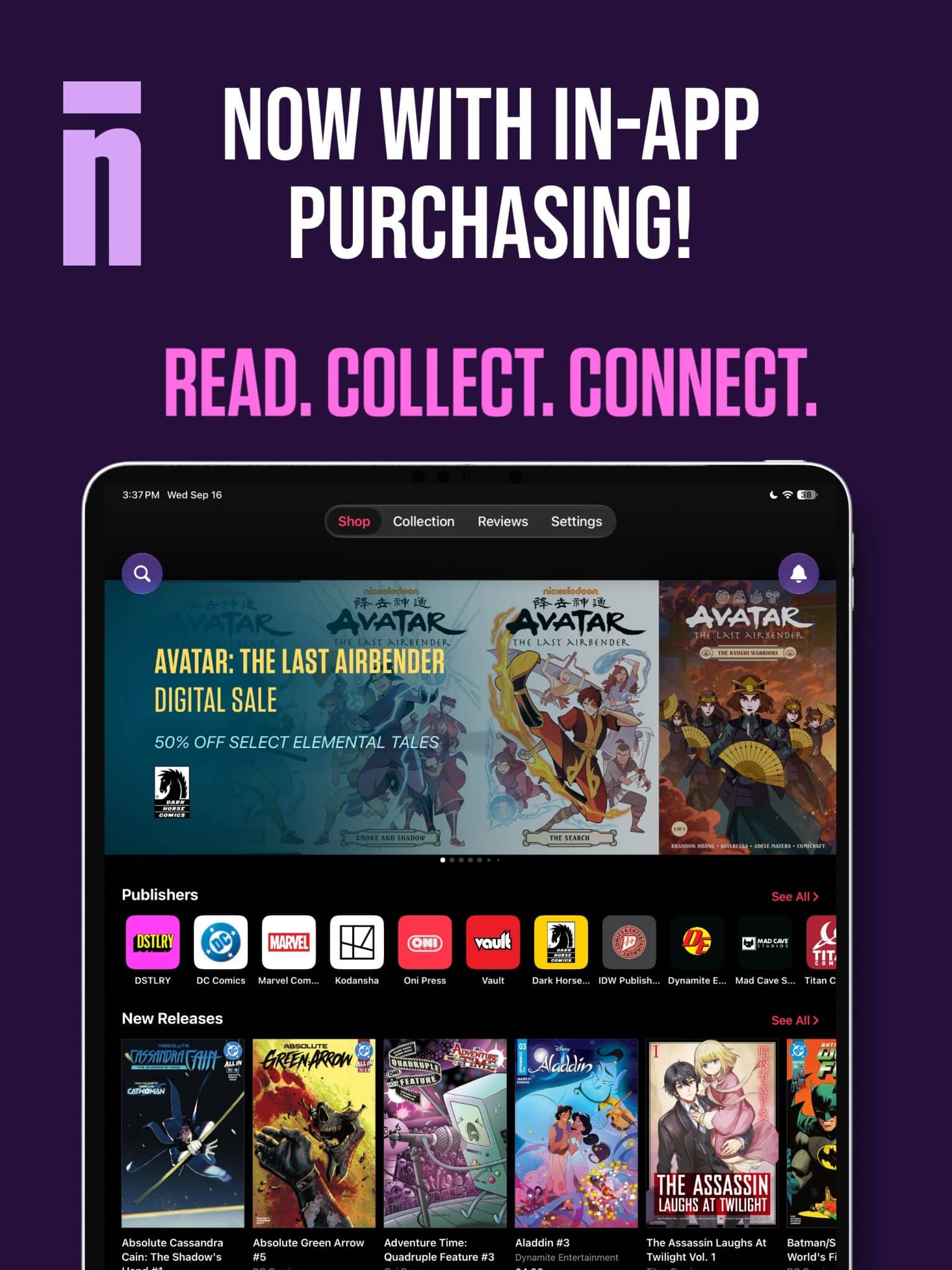
The buy button is back. Neon Ichiban has announced Neon Ichiban 3.0, bringing in-app comic and manga purchasing back to iPhone and iPad. Beginning today, readers can discover a comic, buy it, and start reading it directly inside the Neon Ichiban iOS app, without being sent to a web browser or separate storefront.
Neon Ichiban features 60,000 titles and 200,000 users and in this announcement has revealed 80% month over month growth.
Launching just two months after Neon Ichiban 2.5, the 3.0 release also brings in-app purchasing to Neon Ichiban’s Android public beta and significantly expands the Mac Desktop beta, where readers can import and organize DRM-free PDF, CBZ, and CBR comics from outside Neon Ichiban—including comics acquired through Kickstarter campaigns, Humble Bundles, publishers, creators, and other sources—alongside their Neon Ichiban library.
WHAT’S NEW IN NEON ICHIBAN 3.0
THE BUY BUTTON IS BACK
Readers can now browse Neon Ichiban’s catalog, select a comic or manga title, purchase it directly through the iPhone or iPad app, and begin reading immediately. For a medium driven by weekly releases, recommendations, covers, creators, and the thrill of finding the next book, removing those extra steps matters.
The restored buy button is also part of Neon Ichiban’s larger goal: creating a digital comics experience built around how fans actually discover, purchase, read, collect, and talk about comics.
The return of in-app purchasing isn’t limited to Apple devices. Neon Ichiban’s Android beta now includes in-app purchasing, allowing Android readers to move directly from discovering a book to buying and reading it without leaving the app. Fans wanting early access to the Neon Ichiban Android in-app purchasing experience can sign up here.
THE MAC DESKTOP BETA IS BUILDING A HOME FOR THE COMICS YOU ALREADY OWN
While Neon Ichiban 3.0 makes buying new comics dramatically easier, its expanding Mac Desktop beta tackles another problem digital comics readers have lived with for years: Where are all the comics you already bought?
For many fans, the answer is: everywhere. Years of Kickstarter campaigns, Humble Bundles, direct-from-creator purchases, and other digital releases have created sizable personal comics collections scattered across downloads folders, external drives and cloud storage. Those files belong to the same reader. But they have rarely felt like the same collection.
The Neon Ichiban Mac Desktop beta is designed to change that. Alongside comics purchased from Neon Ichiban, readers can import existing DRM-free PDF, CBZ, and CBR files, bringing books acquired elsewhere into the same comics-focused library. Rather than pretending those comics don’t exist because they weren’t purchased from Neon Ichiban, the company wants readers to bring them along.
Neon Ichiban is also in the process of integrating the Grand Comics Database into its desktop experience to help identify and categorize imported comics, transforming directories of often inconsistently named files into an organized, browsable collection.
Discover more from Graphic Policy
Subscribe to get the latest posts sent to your email.
